Documentation
Everything between opening a fresh account and a whole team wearing the same signature. Ten minutes, in the order that works.
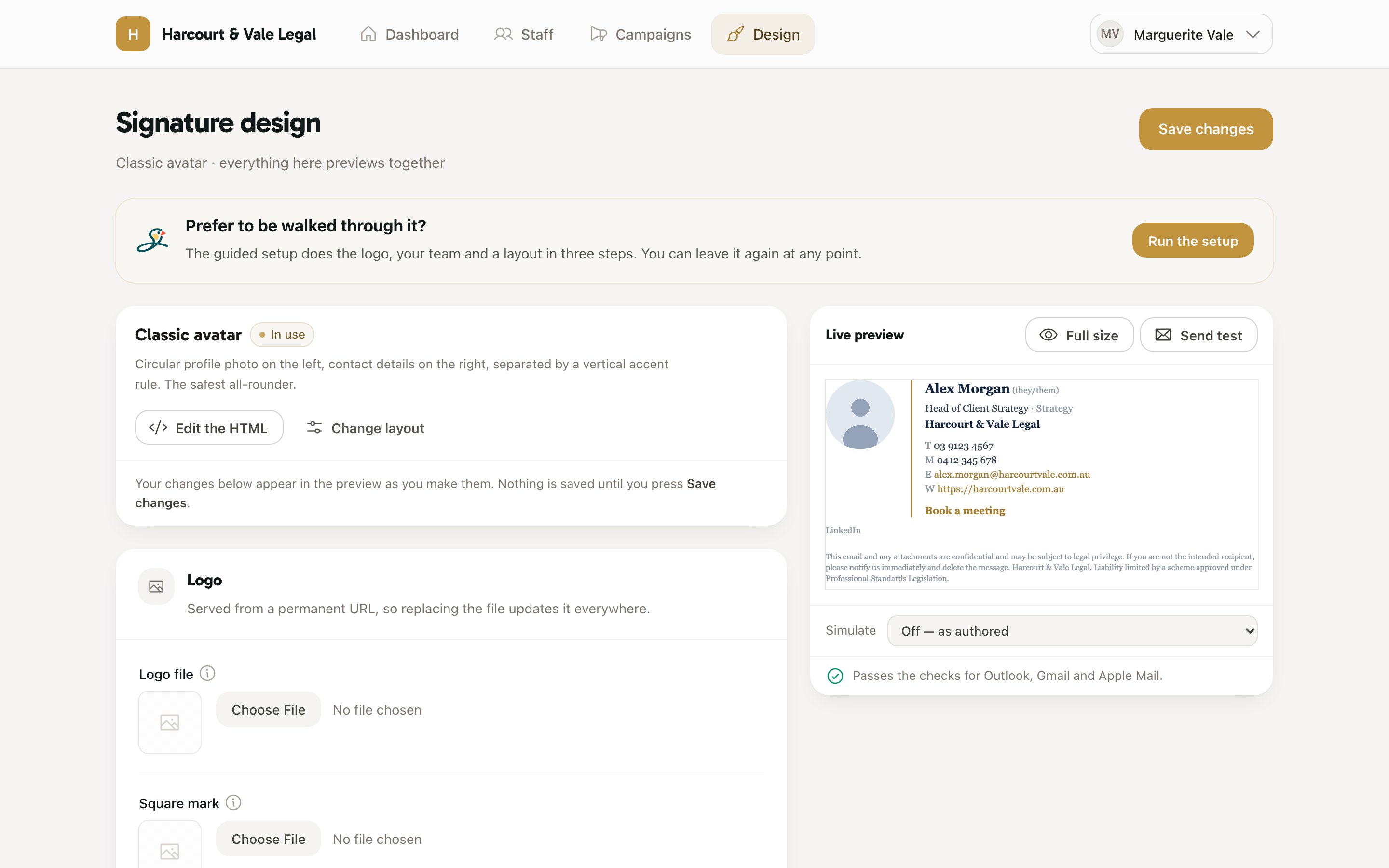
Head to Design. Upload your logo, set your brand colours and pick a font stack — everything on this page previews live as you change it, and nothing is saved until you press Save changes. If you'd rather be walked through it, the guided setup does the logo, your team and a layout in three steps.
Choose a layout from the gallery — every one of them is built from tables and inline styles, because Outlook renders email with Word and ignores most modern CSS. You can tune typography, spacing and what staff may edit later; the layout is a starting point, not a commitment.
On Staff, add people one by one or import a CSV — name, title, email, phone, whatever your layout shows. Each person gets a signature generated immediately, and a durable personal link they'll use to install it. Nobody needs an account or a password.
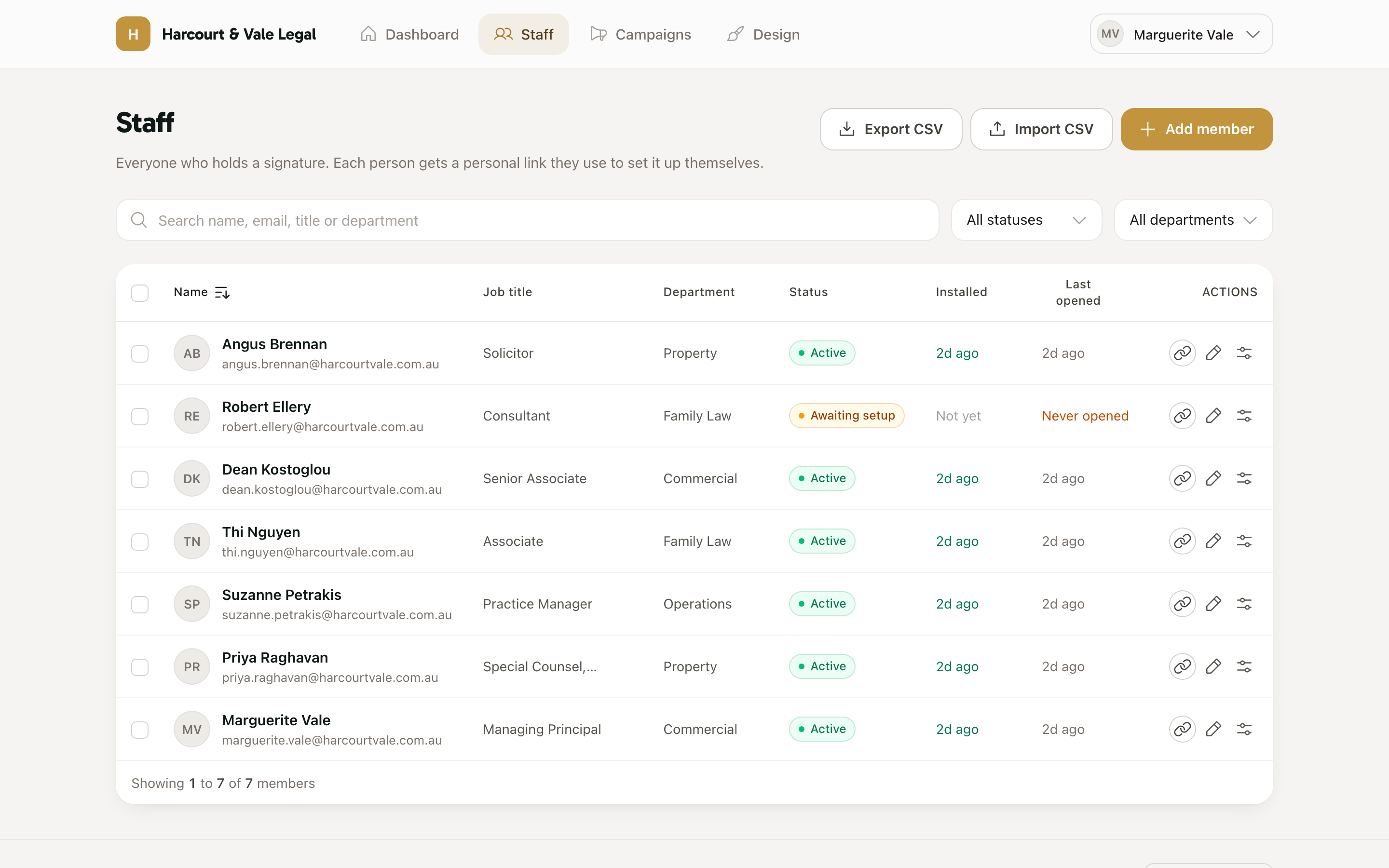
Send everyone their personal link — from the staff page, one click emails it. Each person opens their page, checks their details, presses Copy signature, and pastes it into their mail client following the install steps for Gmail, Outlook, Apple Mail and the rest. The dashboard shows who has installed and who needs a nudge.
Logos, photos and campaign banners load from addresses we host, so replacing a file or swapping a campaign updates signatures people have already pasted. Layout and text changes need a re-paste — one click emails everyone their link again, and the dashboard tracks who's on the new version.